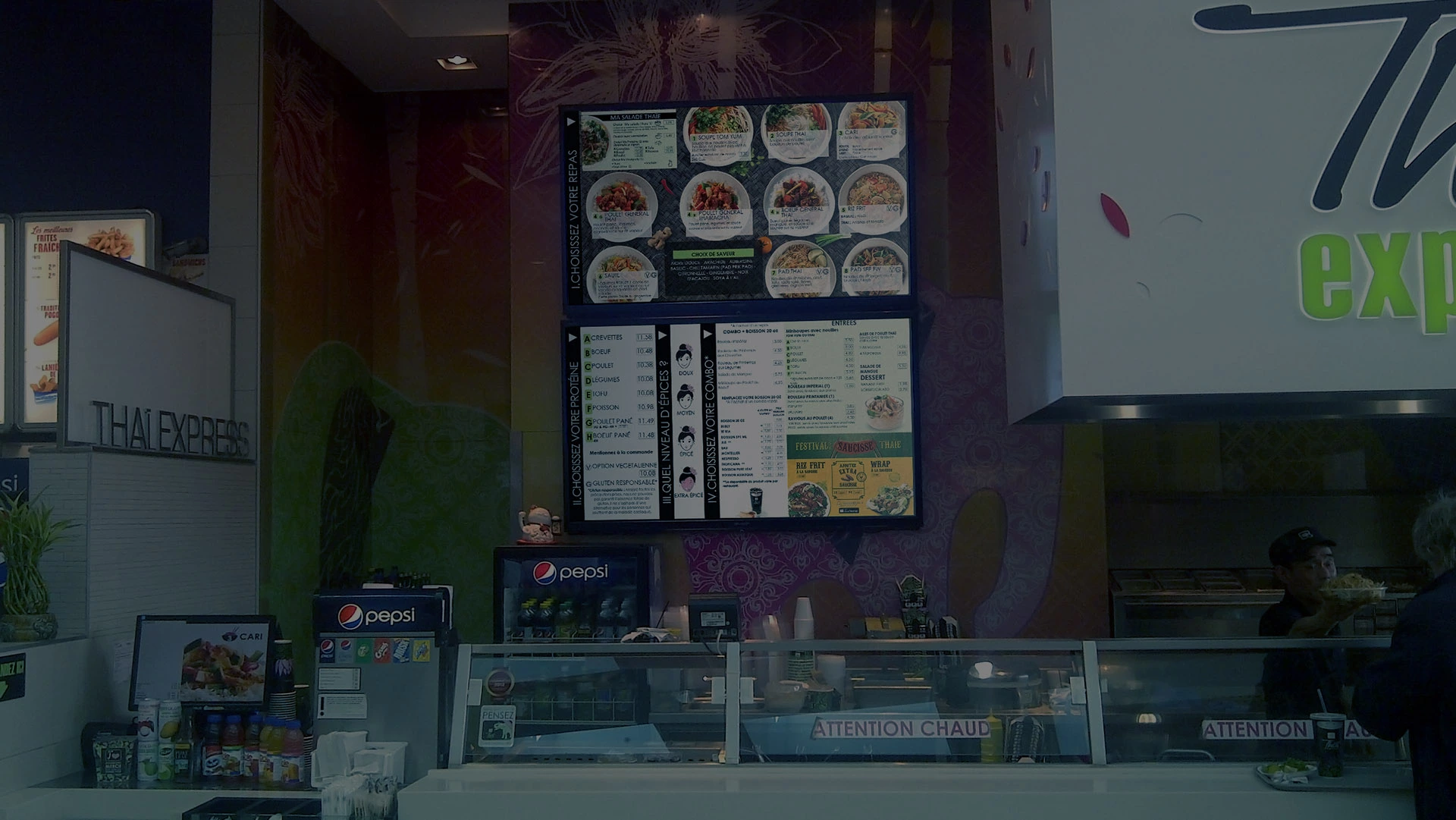
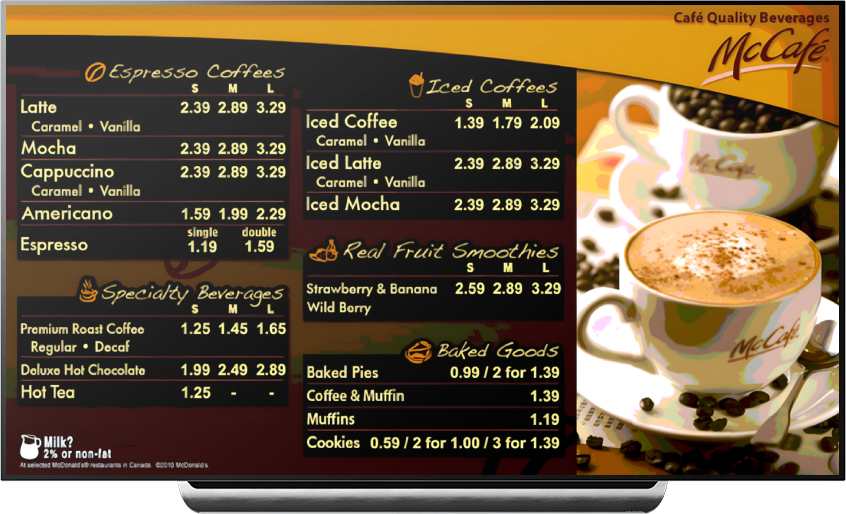
Digital Menuboards
Manage your menu in one place and display on your Digital Menuboard.
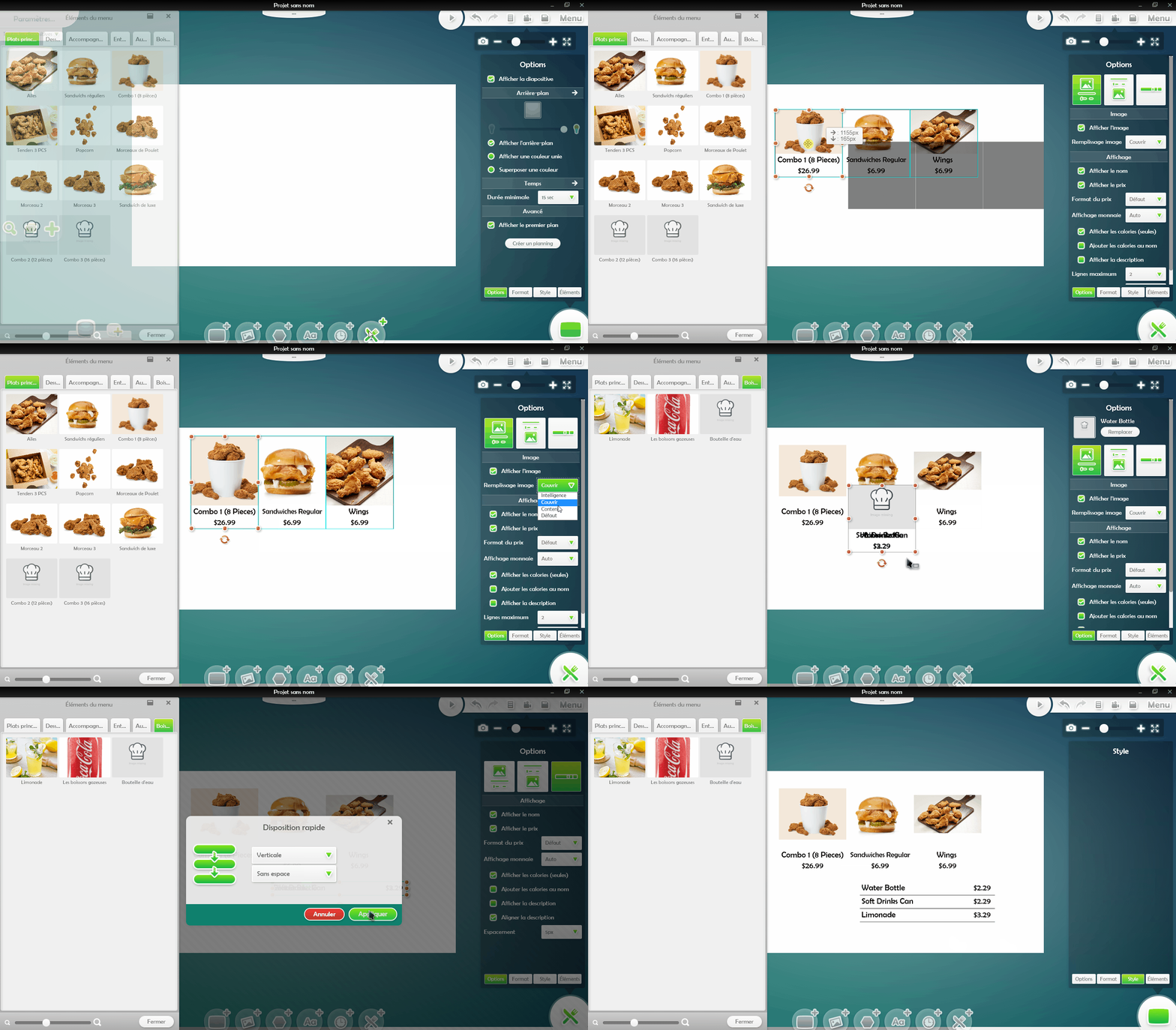
TheFoodForce comes with a simple menuboard designer module that allows you to create engaging digital menus dynamically linked to your menu items.
Eye-In Media's Cloud Signage Application for Restaurants enables you to manage anything that can be pushed on a screen from a central point and without efforts.






Over the time I have been with the company Eye-In-Media has been an excellent partner as we work through improvements and optimizations to our menu and Public WIFI systems. They are able to support us in busy periods by uploading, broadcasting and maintaining our promotional reels and limited time offers. Their services help us to create a 360 experience in store with our marketing and offering for clients on both our menu boards and free public WIFI.
Thank you for all your amazing hard work on this project.
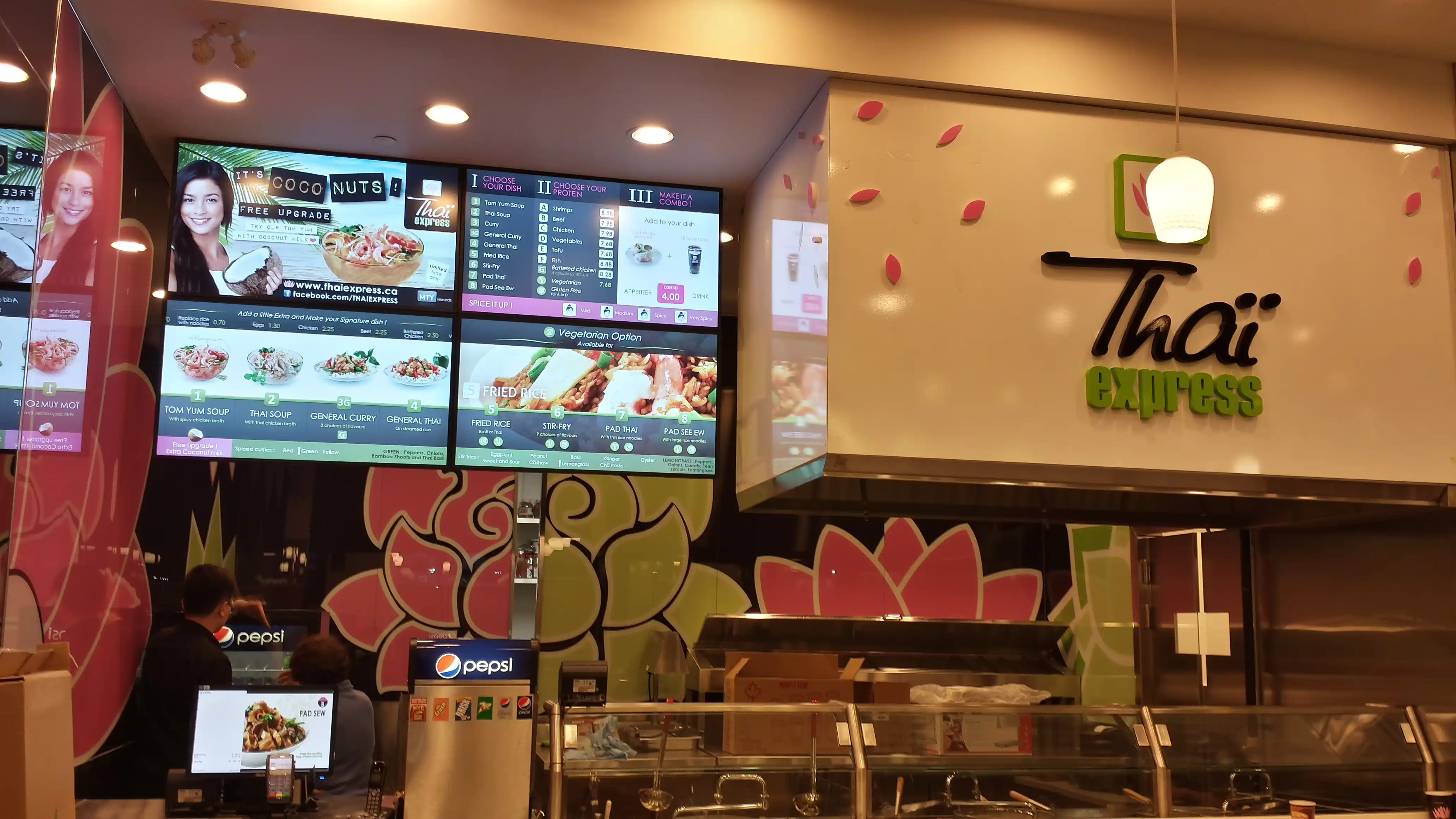

Manage your menu in one place and display on your Digital Menuboard.
TheFoodForce comes with a simple menuboard designer module that allows you to create engaging digital menus dynamically linked to your menu items.
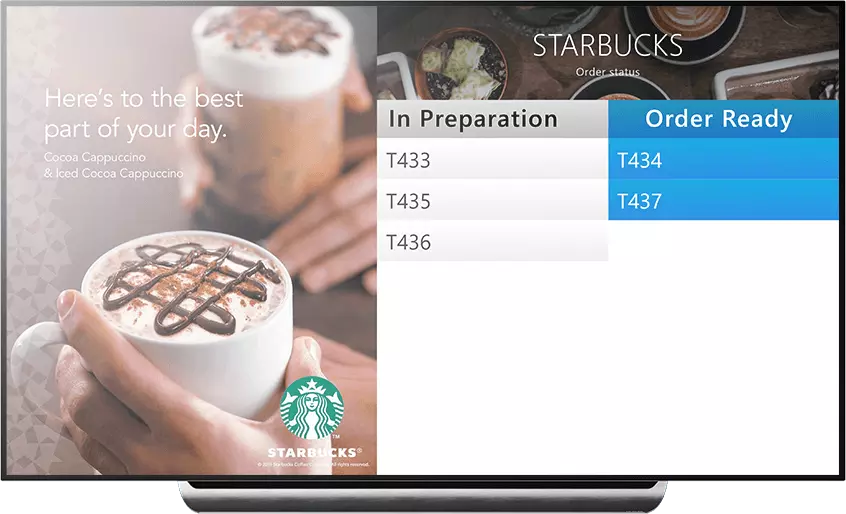
Always dreamed of showing the status of your orders on a screen like at McDonald’s?
Our digital signage comes with an integrated module that you can customize which pushes real-time order status to your screens.
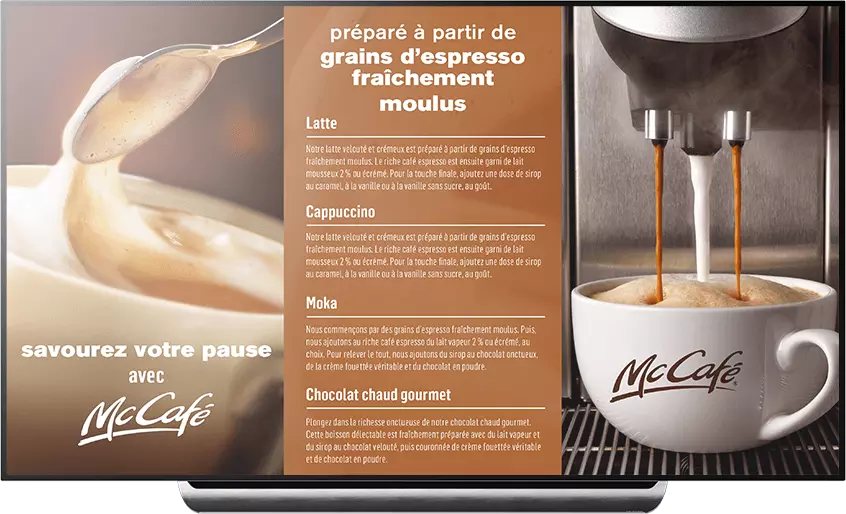
The main purpose of digital signage is to display informational or advertising content.
Our digital signage solution allows you to manage and broadcast advertisements scheduled in advance according to the establishment, the time of day with frequency management etc ...





Customers have to be “wowed” and be impressed when they order. They are expecting two major emotions: satisfying their appetite and cravings; and feeling good from being empowered with a pleasant experience. This fact is valid both in high-end places and in quick service restaurants.
Today’s consumers expect novelty and enjoyment. You have to capture their attention while you can. If you miss that small window of opportunity, you may leave them feeling that their choices are limited and they may order something that may not satisfy them.
To encourage repeat business and cross-selling, customers need to feel good about what they are ordering before they place their order. This requires capturing your customers’ attention, quickly informing your customers with the information you want them to know, while entertaining them at the same time.
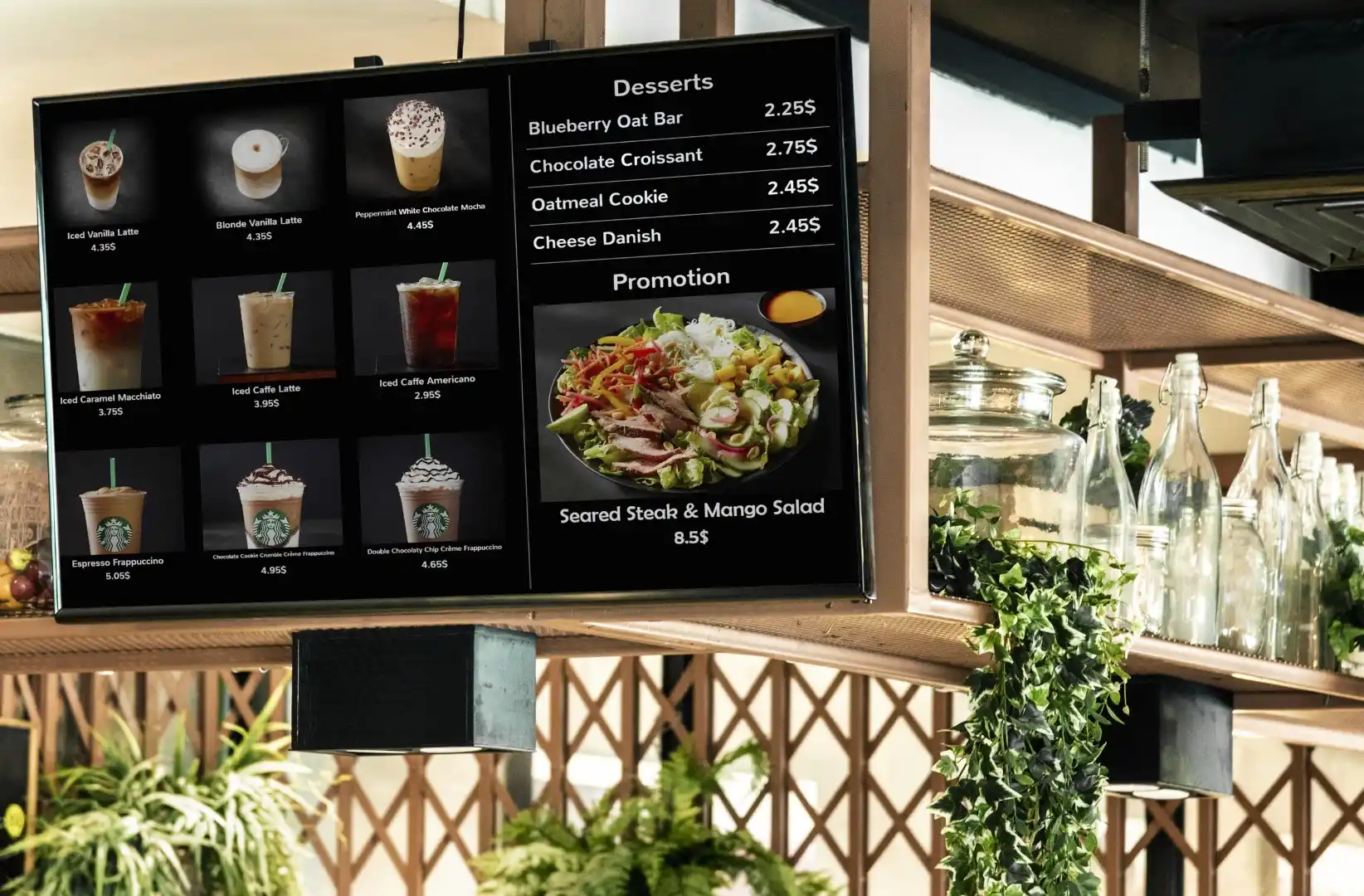
Design your menu easily. Dynamically change and schedule prices.

Replace posters and frames with dynamic, interactive and eco-friendly screens.
Our Digital Menu Boards are 100% integrated with our FoodForce cloud based solution for self-ordering.
Entertain while promoting your own products, not those of your competitors.

Easily create a menu that switches between 2 languages.
Engage your customers on another level using their laptop, cell phone or tablet for additional interactions.
Thanks to our integration with FoodForce, you can create your Digital Menu Board without efforts.
All your prices are centralized in one platform to make it easier to manage your restaurants.
Have the absolute freedom to manage your posters remotely as if you were in each store, pushing sales and engaging with the customer.

Control all your current traditional paper marketing collateral with a click.
Alternate between multiple images and videos, intermixing trivia, news headlines, sports scores, local weather forecast, and community involvement all on the same screens.

Have accurate and just in time promotions across all locations.

Reduce perceived waiting time by entertaining while promoting your items.

Link your menu to a database to centralize images, description, calories and pricing.
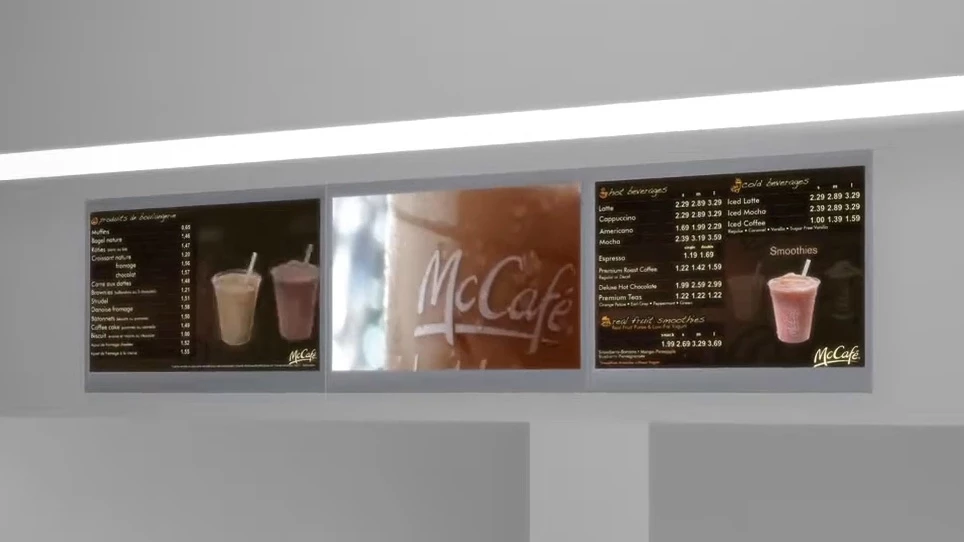
Did you know that Eye-In was the first Digital Signage provider for McDonald Canada? Here are examples of work we did for them, including videowall, Digital Menu Boards, TV and Entertainment and much more...
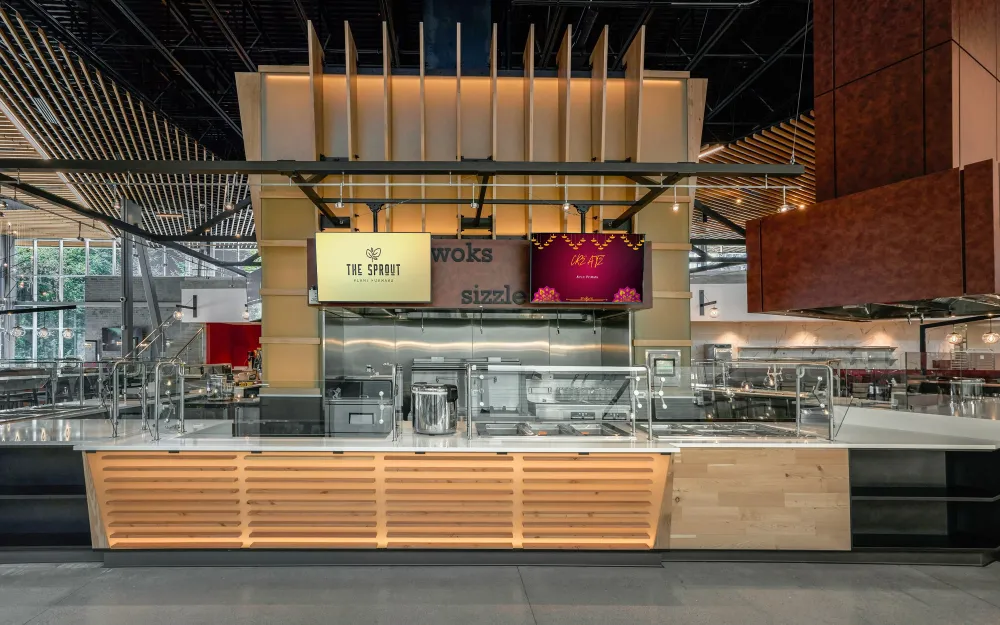
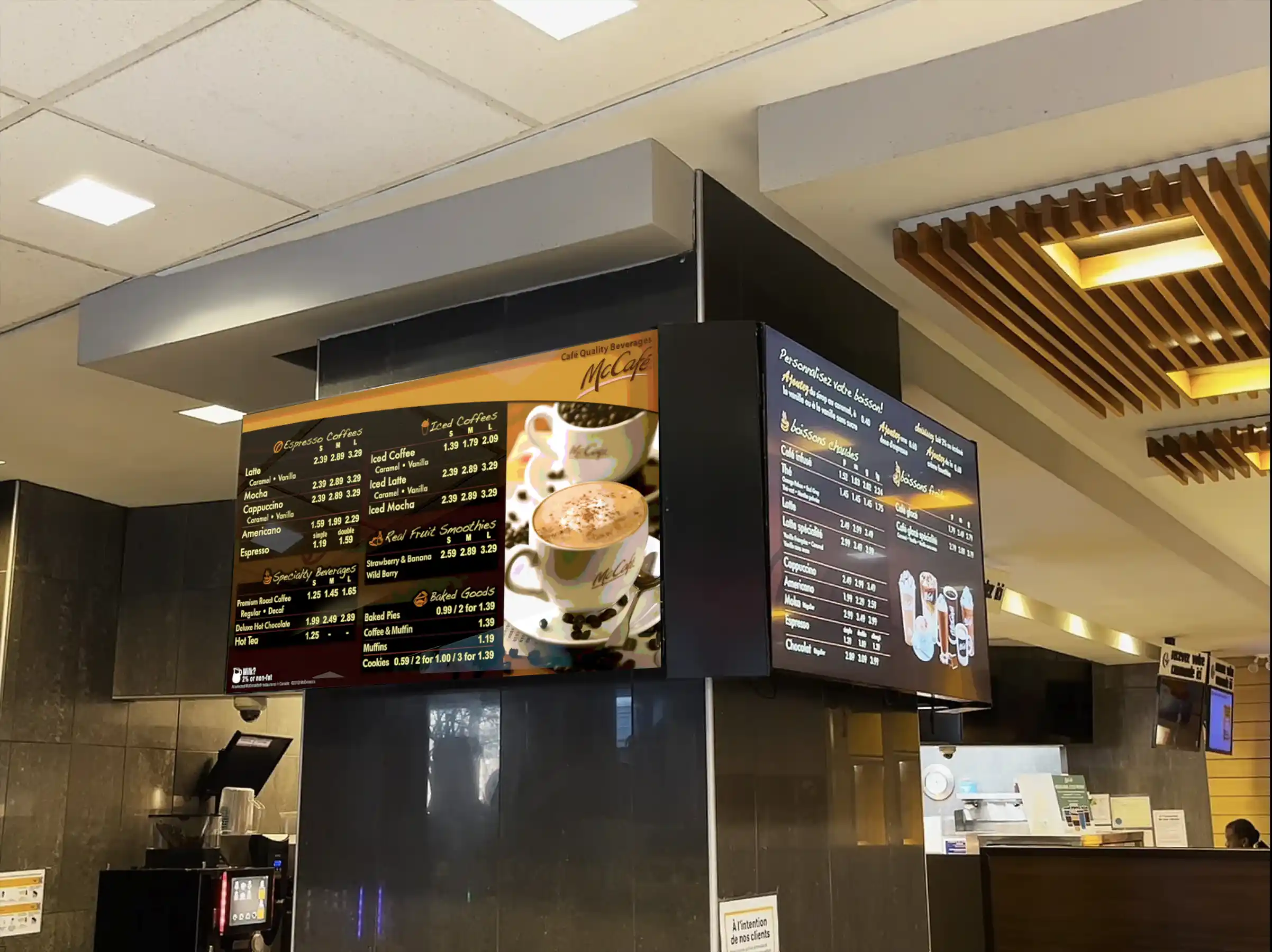
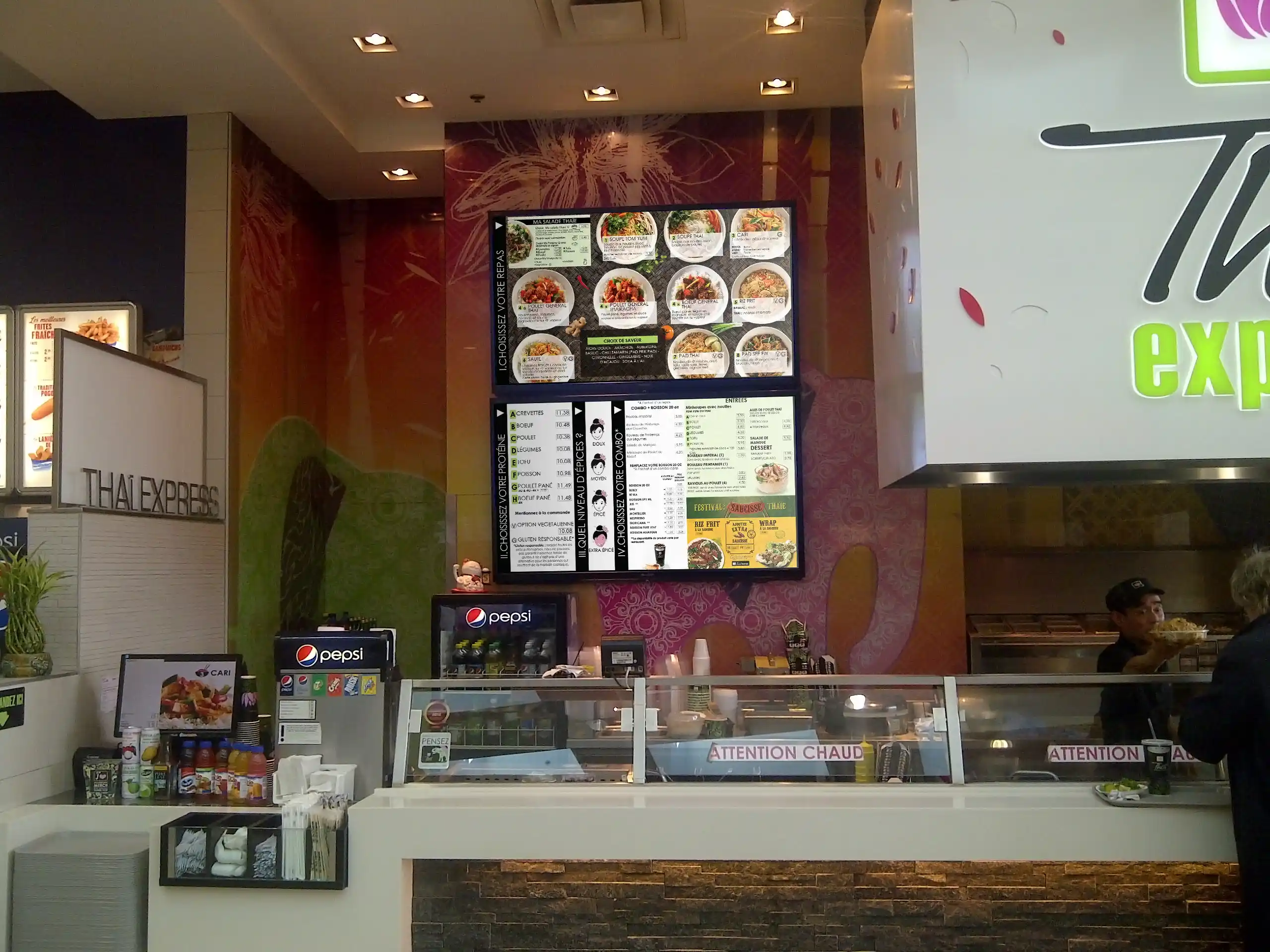
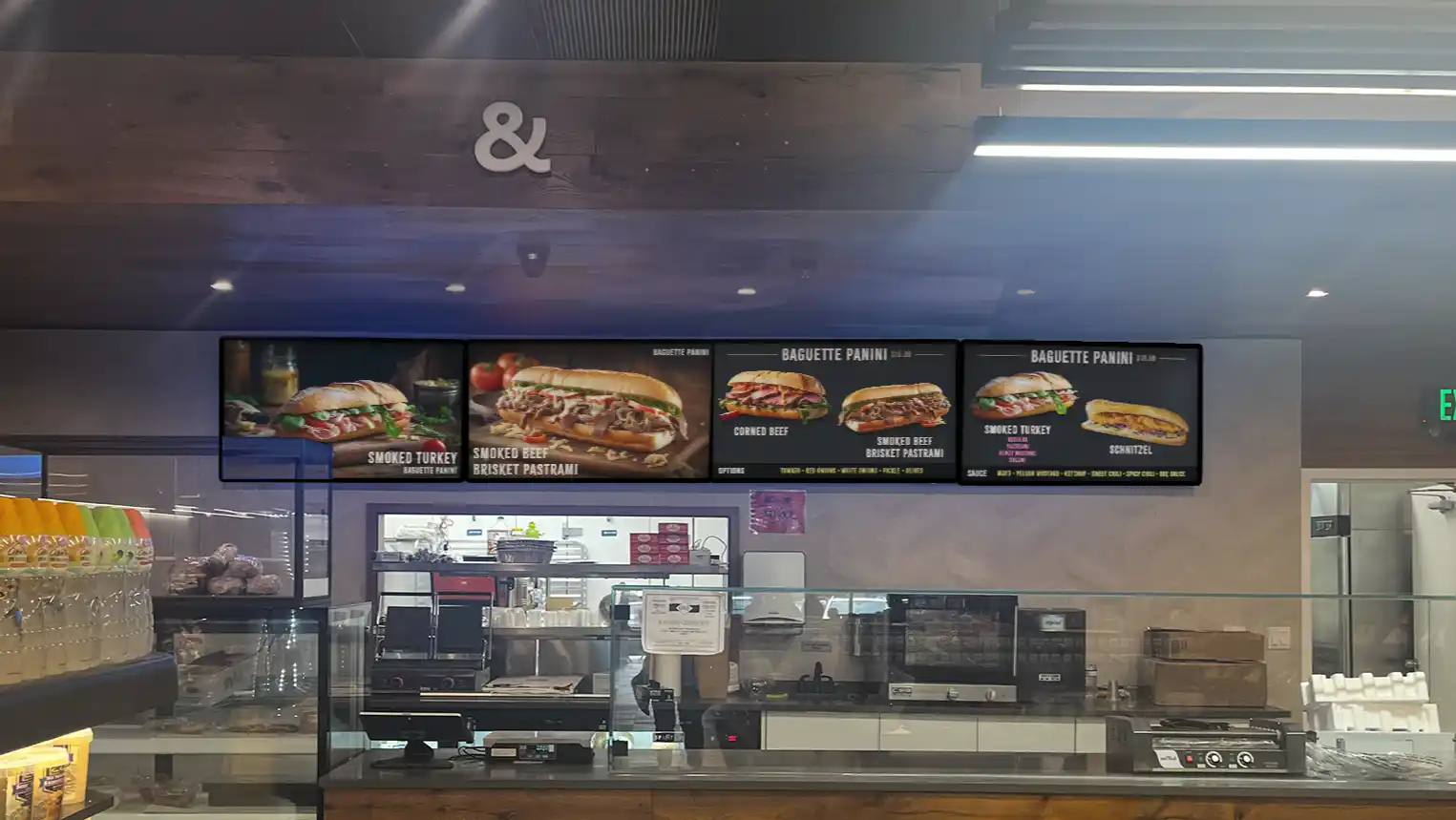
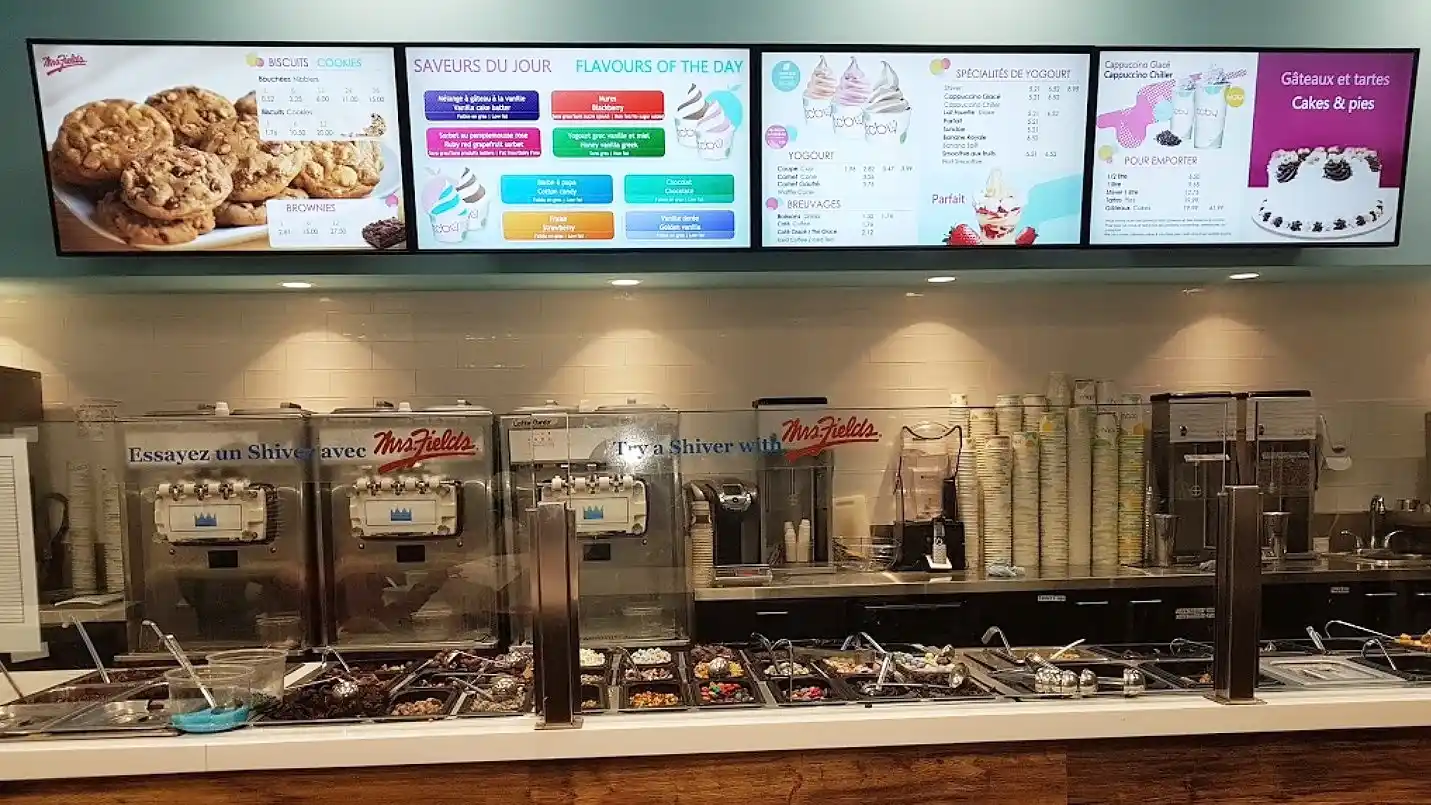

With Samsung Tizen powered screens and Eye-In Media, Digital Signage becomes so easy. No need to connect a separate Media Player computer to play your content, just plug it into the Internet or use its built-in Wi-Fi.
Our SaaS Content Management and Creation tools will remotely connect and drive your dynamic content. This seamless integration simplifies the installation, deployment and management of a full-featured digital signage solution.
Works in both one-screen environments as well as multi-screen and multi-location environments.

Installation, configuration, content creation, support, mobile applications...

Client satisfaction is the most important at Eye-In Media

No programmer or graphic designer required even to integrate external feeds (ex trivia, RSS feeds, traffic, weather)
There is no limit for the number of screens or storage

Our software is always evolving with improved features and functionalities
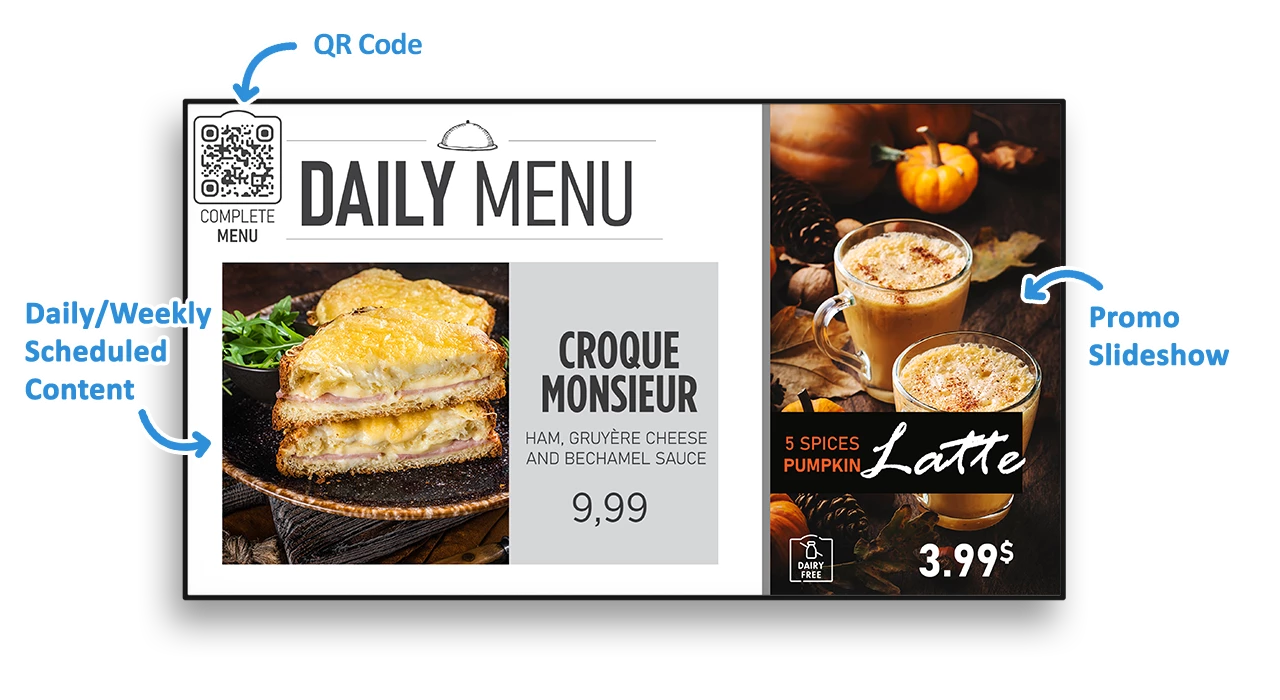
Generate QR Codes for your content directly within the application
Use a CMS that supports real-time updates and menu features. Smart TVs or Signage Sticks suit image-based menus; Media PCs are better for dynamic, multi-screen layouts.
Promotions are managed separately from the menu. Just upload the visual to the CMS with a start and end date under a predefined group (e.g., Ontario Landscape Promos). It will automatically be sent to the appropriate screens.
No need to edit the menu or create new assets. Just open the price management portal and update the item price for one or multiple regions (you can also schedule the change). Updates are automatically pushed to the relevant screens.
You don’t need to create a new version of the menu. Use an exception to tailor the menu for each restaurant. Add an exception to your menu, enable it for the restaurant, then apply it to the item.
No need to edit the menu or create new assets. Open the menu management portal and update the item's name, description, or calorie info. The name and description can be bilingual. Updates are sent automatically to all relevant screens.
Linux is better for digital menu boards with multiple screens or video walls. It supports synchronized content and fewer interruptions. Windows may be used for touchscreen ordering kiosks but is less ideal for large-scale displays due to frequent updates.